
Learn
Know who visited after you sent it
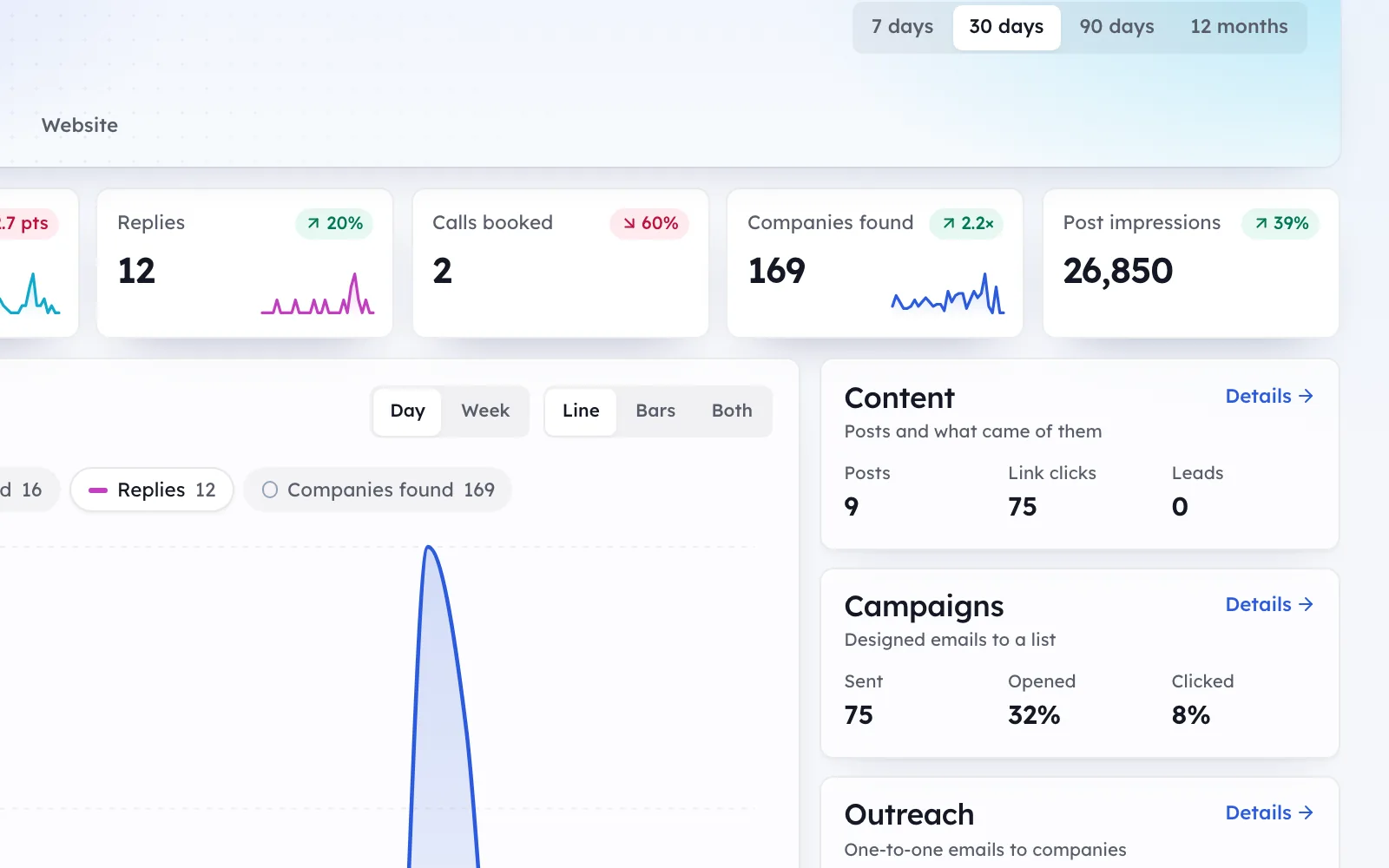
When you send emails and post every week, it is hard to say whether anyone came. Add one line to your site and Touchbase shows who visited, where from, and what they did there.

What it does
- Counts visitors, sessions and page views, with a live view of who is on the site now
- Shows where people came from
- Counts the visits each Touchbase email campaign sent to your site
- Counts goals you choose: a page reached or a button pressed
How it works
Add your website
Type the domain. Touchbase gives you one line of code to add to your site.
Check that it works
One button reads your homepage and tells you whether the line is there.
See who comes
Visitors, where they came from and what they did, by day, week or month.
Who it is for
Founders who send emails and post and want to know whether anyone arrived and did anything.
Plans, limits and next steps
Attribution uses the events and referral information available to Touchbase. Anonymous visits do not reveal a private visitor’s identity, and cross-device or blocked activity can be missed.
Does this guarantee customers or results?
No. Use the research, drafts and content to support your work, check their accuracy, and measure the response from your own audience.
Where can I see the actual product?
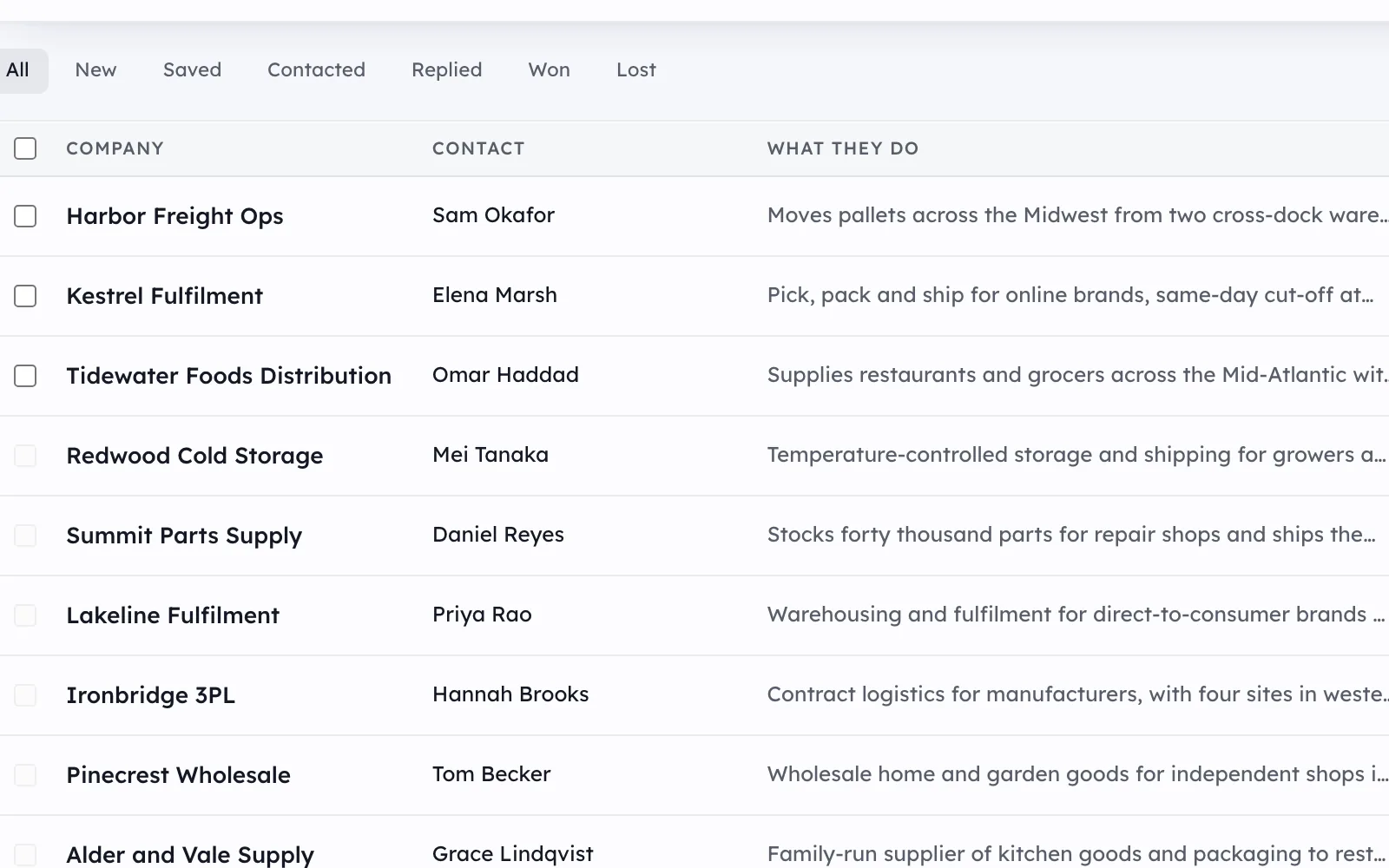
Watch the Touchbase walkthrough for the setup and outreach workflow. It is not a demonstration of every feature. Screens on the feature pages may use a demo workspace with fictional companies.
Works with

Part of everything Touchbase does. Served from touchbasetechnologies.com.
Stop waiting for customers to find you
Tell Touchbase what you sell. It finds the companies that need it and the person to write to at each, and drafts a first email for you to read and send.