
A demo of your product, cut from one recording
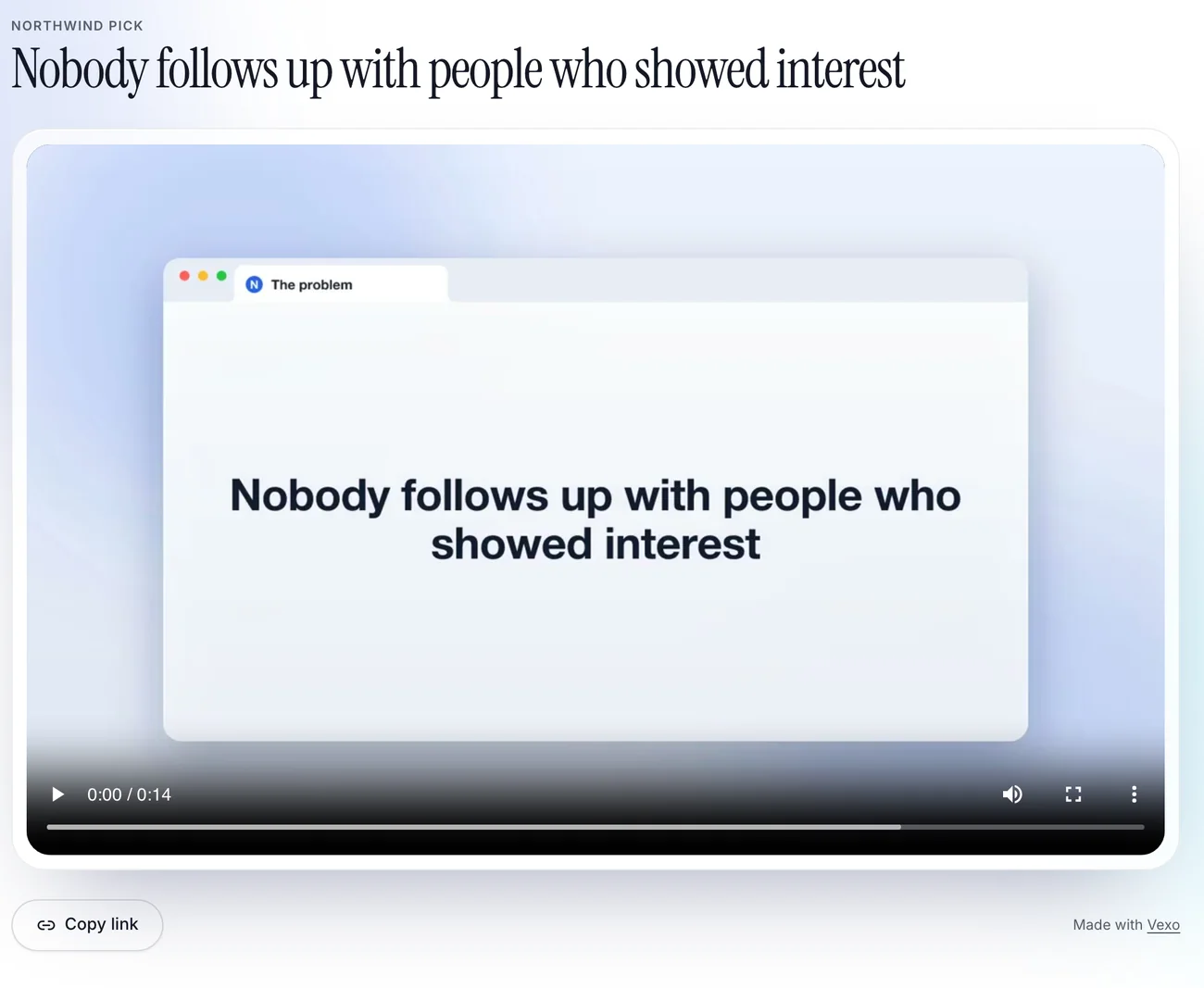
Record a browser tab or window and click through your product. touchbase follows your clicks, sets the recording in a glass browser tab, adds callouts, and gives you a page you can send with a count of how many people watched.
What it does
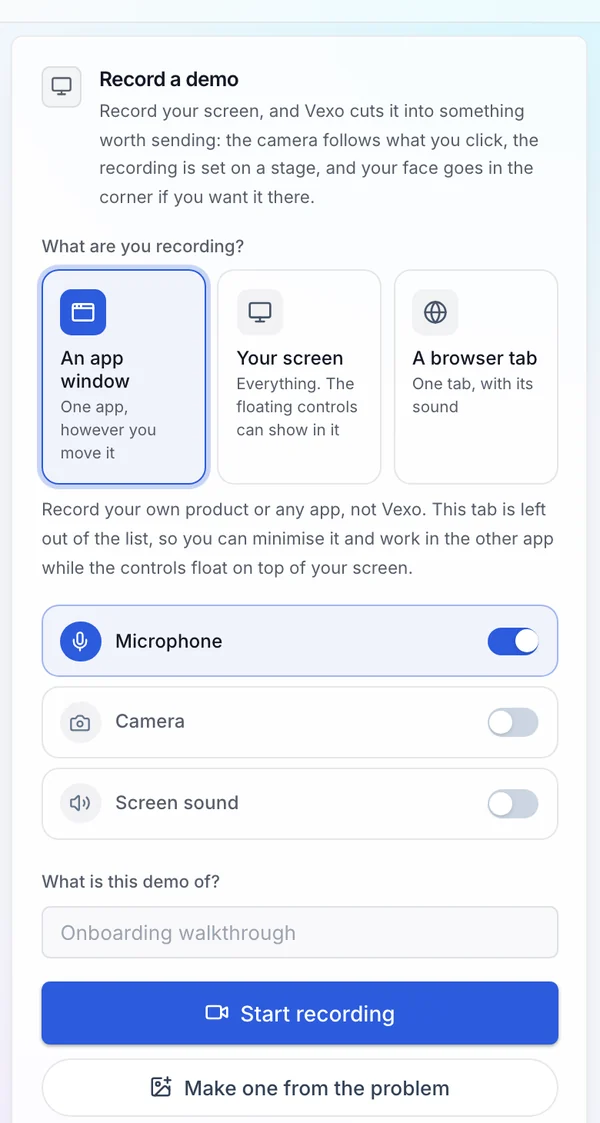
- Records a browser tab, an app window or the whole screen
- Moves the camera in to where you click, and out again
- Sets the recording in a glass browser tab, with callouts that name what is on screen
- Opens on a title card and closes on “Try” and your product’s name, with your address
- Adds an intro clip of you talking to camera, and music if you want it
- Gives every demo a share page with a poster image and a view count
- Posts to LinkedIn or YouTube, or queues it for TikTok
How it works
- 1
Record a tab or a window
Pick what to share and click through the product once, at your own pace.
- 2
Change what you want
Edit the callouts and cards, trim it, change the camera, add an intro clip or music, and cut it again without recording twice.
- 3
Send the link
Put the page in an email or on your site, or post it to the networks you have connected.
Who it is for
Solo founders and developers who need something to show a buyer or an investor and do not want to learn video editing.
Works with
Try it on your own product
touchbase works from what you built and who it is for, so the first draft is worth reading. Setting that up takes a few minutes.
Start your 7 day free trialPart of everything touchbase does. Served from touchbasetechnologies.com.