
Record the screen. touchbase does the camera work
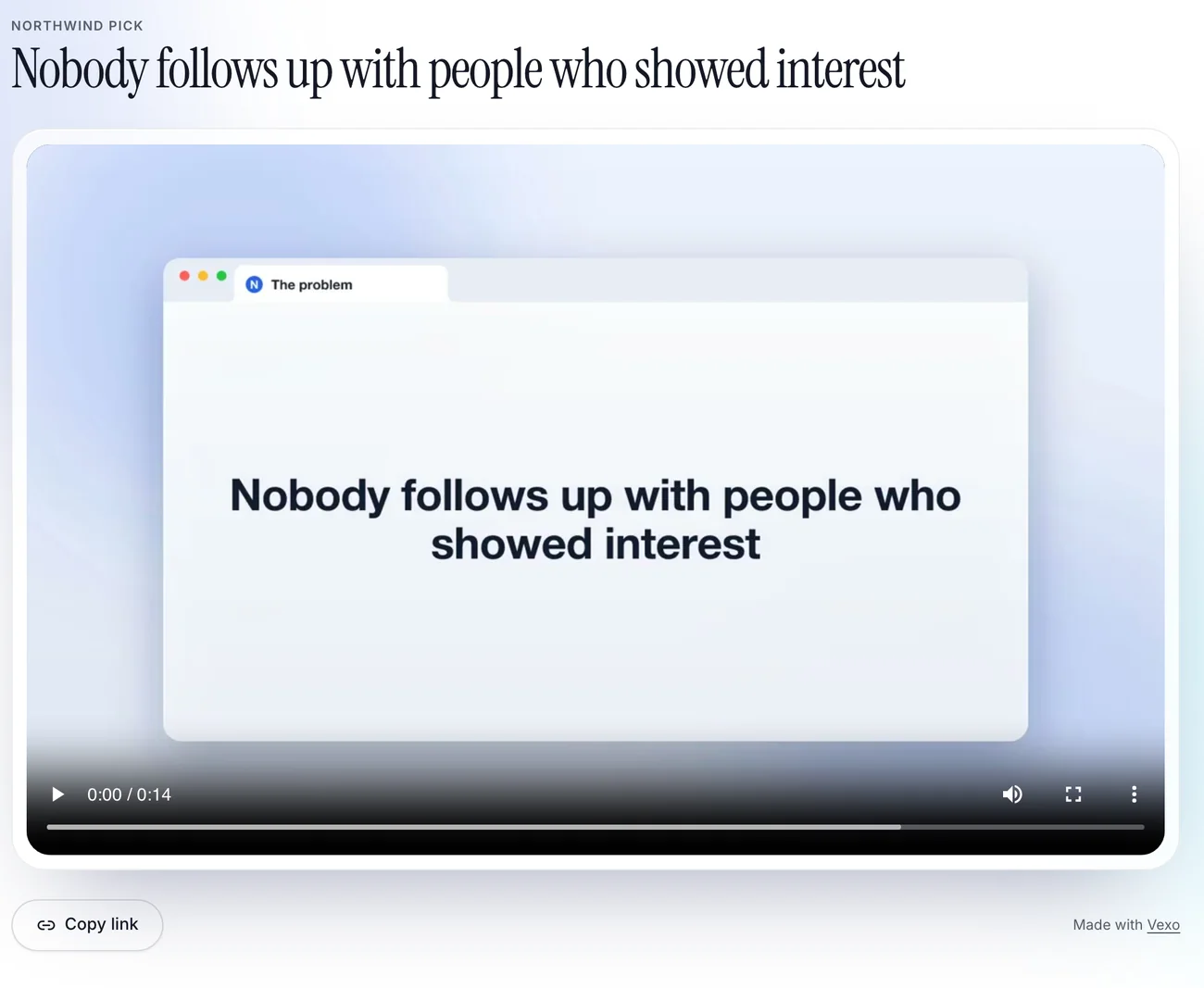
Click through your product once. touchbase moves the camera to where you click and sets the recording in a glass browser tab with callouts, so a rough recording becomes a demo.
Share page, with a view count
What it does
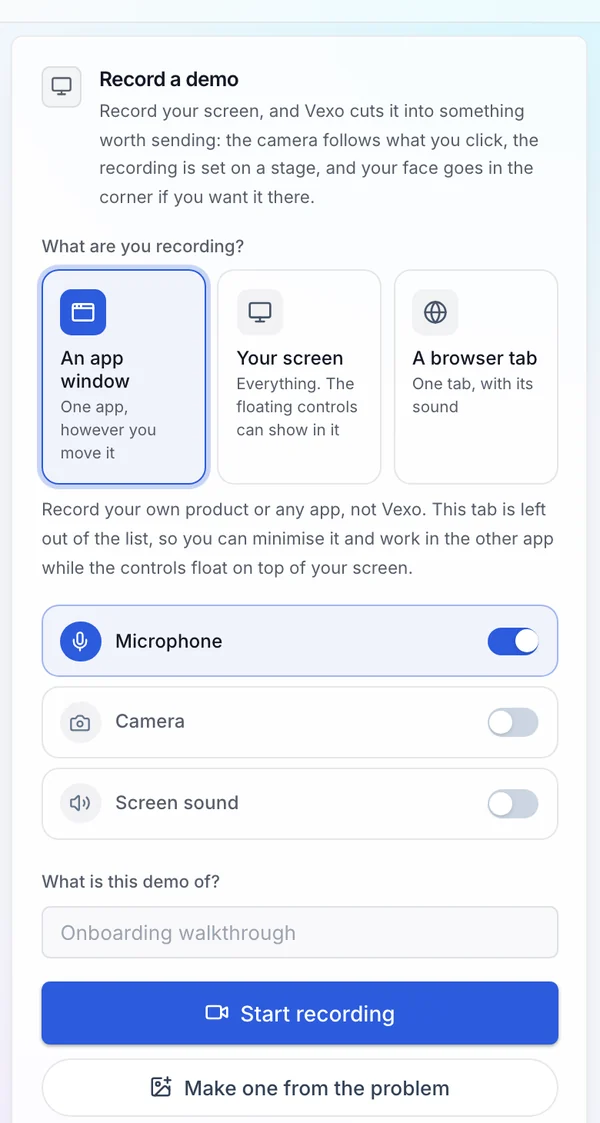
- Records a browser tab, a window or the whole screen
- Moves the camera in to where you click, and out again
- Sets the recording in a glass browser tab, with callouts that name what is on screen
- Keeps the sound from your recording, or lets you record a voice-over afterwards
- Keeps the demo in your library
How it works
- 01
Record
Click through the product once.
- 02
Review
Trim it, change the camera and edit the callouts.
- 03
Use it
Publish it, share the link or put it on your site.
Who it is for
Founders and developers who need a demo and do not want to learn video editing.
Questions
- Does it work on any screen?
- It records what you share from the browser: a tab, a window or the whole screen.
- Can I add my voice?
- Yes. Keep the sound from the recording, or record a voice-over after you have seen the cut.
- Is there a free plan?
- Yes. The free plan includes 3 screen demos a month of up to 2 minutes each, with a small touchbase mark on what you export, a pitch deck, 3 posts a month and one connected network. No card is needed.