
A product demo you record once and do not have to edit
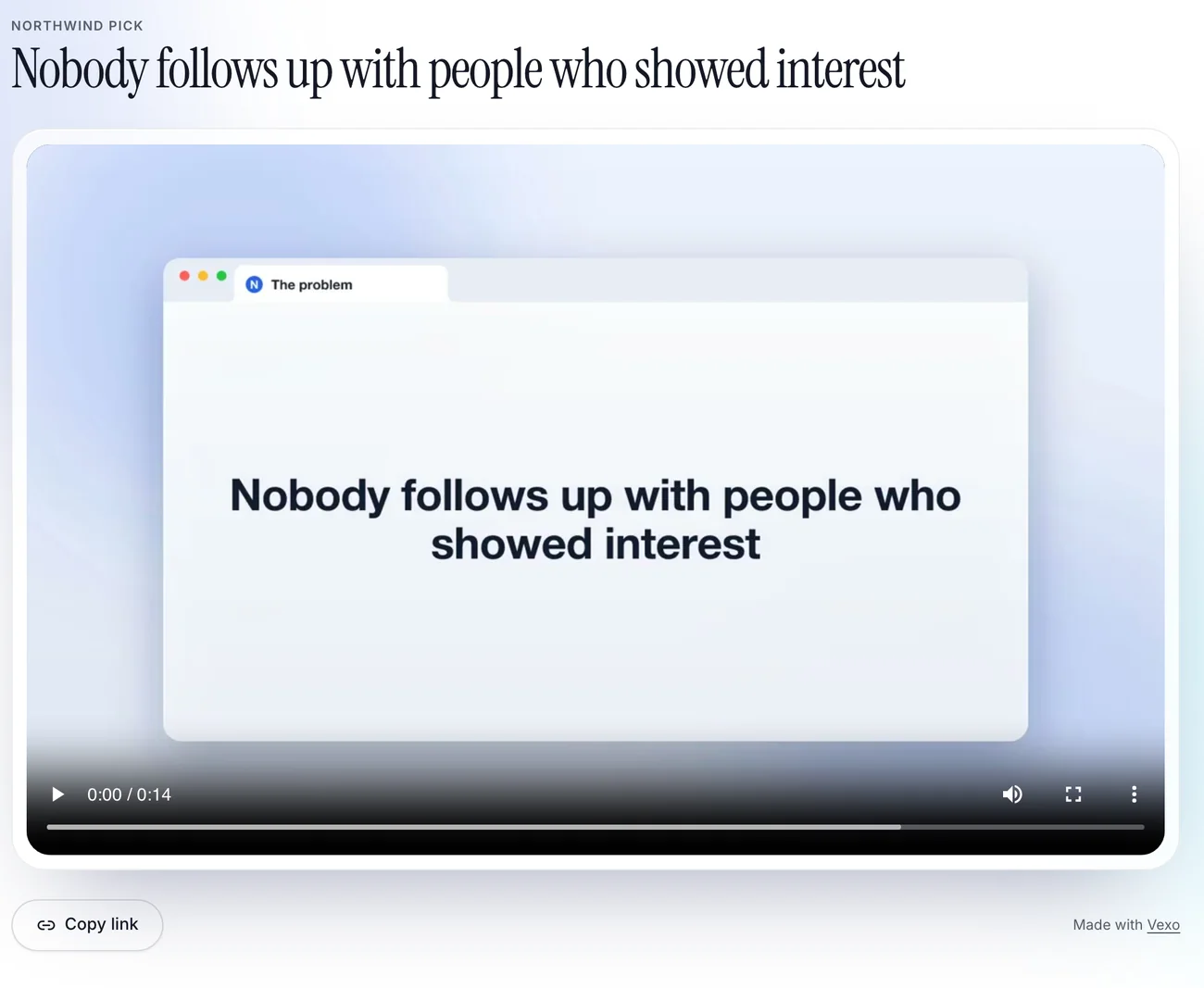
Share a browser tab and click through your product. touchbase moves the camera to where you click, sets the recording in a glass browser tab, adds callouts, and ends on “Try” and your product’s name with your address. What comes back is a link you can send.
Share page, with a view count
What it does
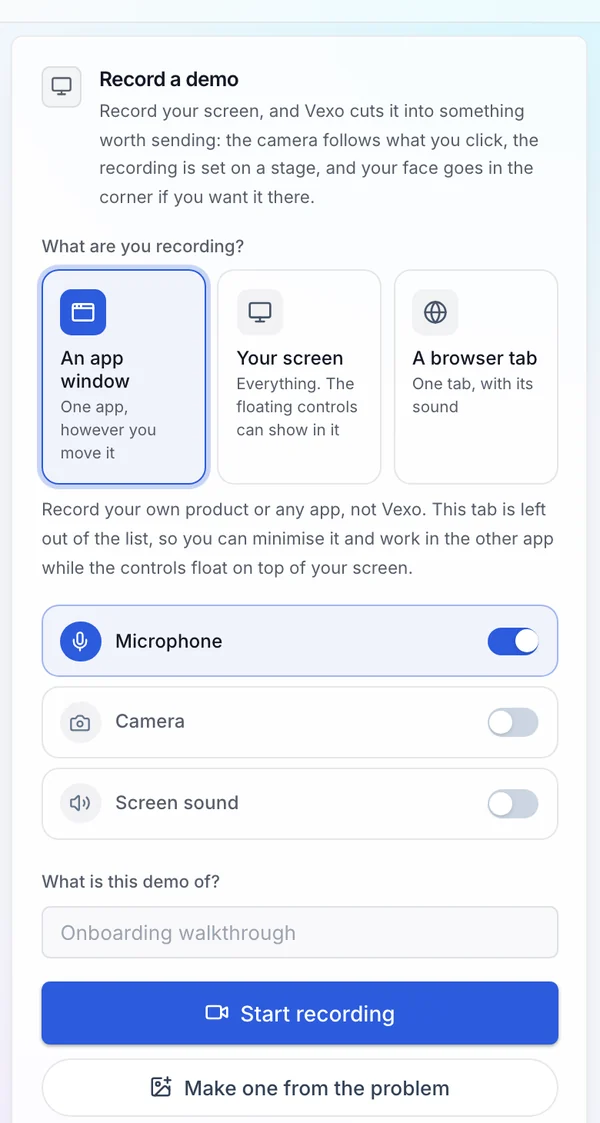
- Records a browser tab, a window or your whole screen
- Moves the camera in to where you click, and out again
- Sets the recording in a glass browser tab, with callouts that name what is on screen
- Opens on a title card and closes on “Try” and your product’s name, with your address
- Adds an intro clip of you talking to camera, and music if you want it
- Gives each demo a share page with a poster image and a view count, and keeps every demo in your library
- Lets you trim it, change the camera and the effects, and cut it again without recording twice
How it works
- 01
Record
Share the product and click through it once, at your own pace.
- 02
Review
Change the callouts and cards, trim it, and add an intro clip or music.
- 03
Use it
Send the link, put it on your site, or post it to LinkedIn or YouTube.
Who it is for
Founders and developers who need a demo to send to a buyer or an investor and do not want to edit video.
Questions
- Do I have to edit anything?
- No. The camera moves, the glass tab and the cards are done for you. You can change the callouts and cards, trim it and cut it again.
- What can I record?
- Whatever the browser lets you share: a tab, a window or the whole screen.
- Is there a free plan?
- Yes. The free plan includes 3 screen demos a month of up to 2 minutes each, with a small touchbase mark on what you export, a pitch deck, 3 posts a month and one connected network. No card is needed.